How to take photos with multiple people in them?
Written By @levelsio
Last updated 8 months ago
You can use up to 4 different models at the same time on Photo AI:
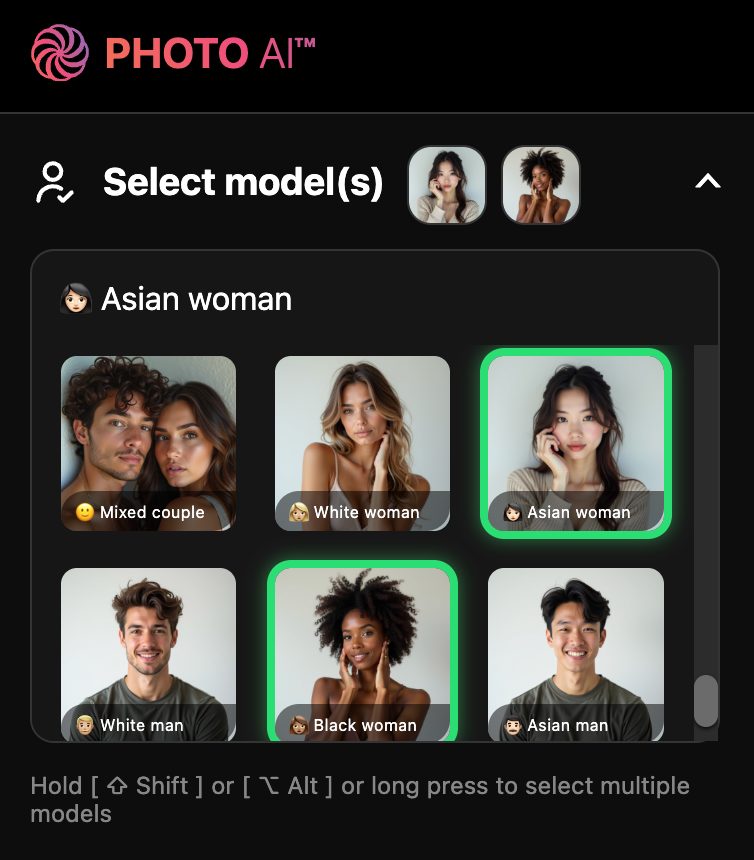
Just hold [ ⇧ Shift ] or [ ⌥ Alt ] or long press on a model to add it to your selection. To reset it and select a single model again just click or short press it.
Make sure you toggle 🍌 Nano Banana Pro for best results. Hyper Realism m
Still need help? Share an idea