Nano Banana Pro image generator on Photo AI
Written By @levelsio
Last updated 10 months ago
Photo AI now supports Google’s new 🍌 Nano Banana Pro image model to generate photos of people with.
What’s good is it’s less restricted than using it with Gemini and it’s specialized with Photo AI’s secret sauce for creating realistic photos (and videos) of people.
To use it is very simple:
1) Sign up to Photo AI
First sign up to Photo AI, you can use your email or Google account to sign up.

2) Create your first AI model
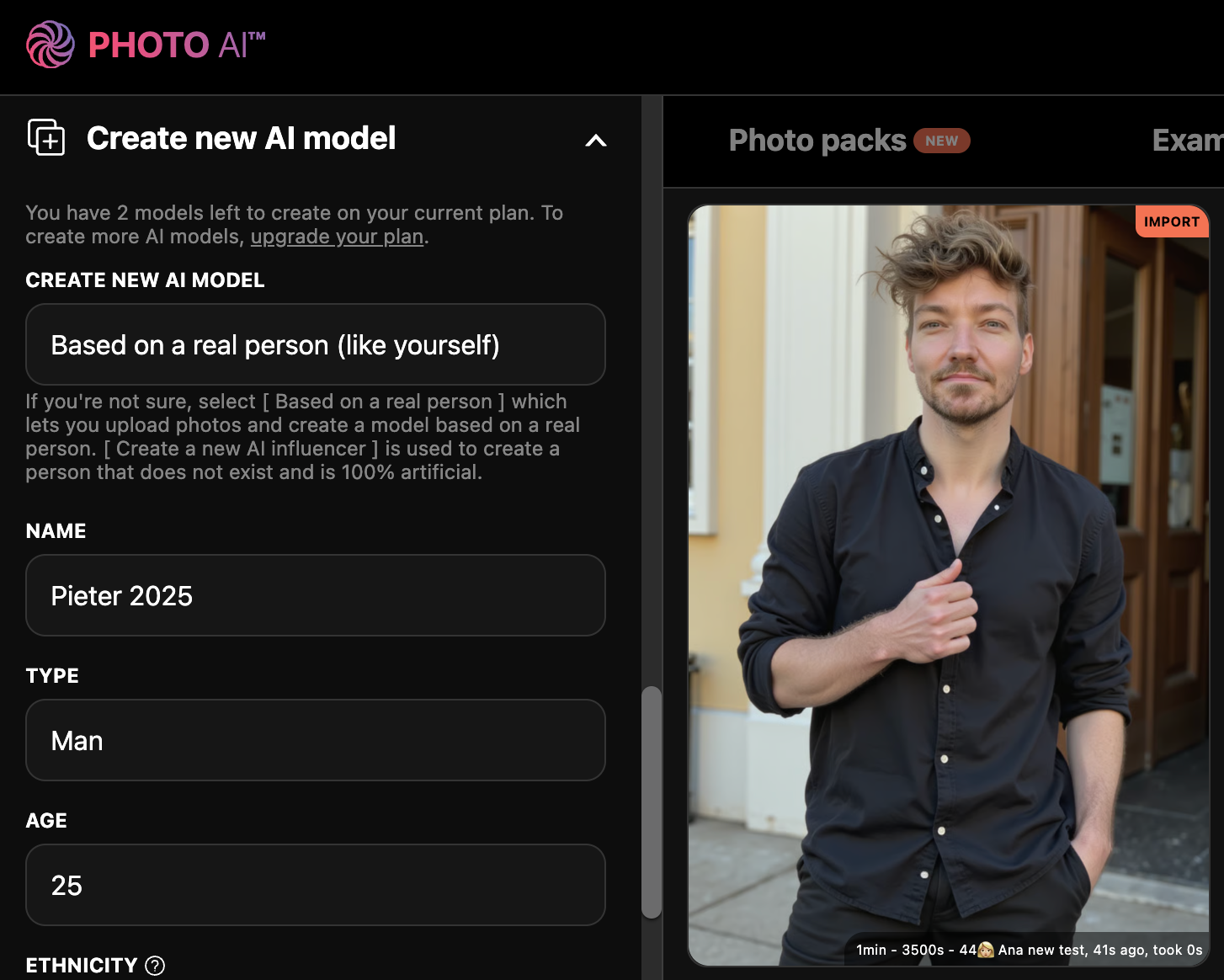
3) Select 🍌 Nano Banana Pro as your model
Under the [ Take photo ] button in Photo AI, press the toggle and it will switch from Hyper Realism to Nano Banana Pro as your preferred model.
4) Done!
And there you go! Every photo you now generate will be using Nano Banana Pro 😊
You can now also use JSON prompts with Nano Banana Pro like the one below to create a very detailed photograph like this
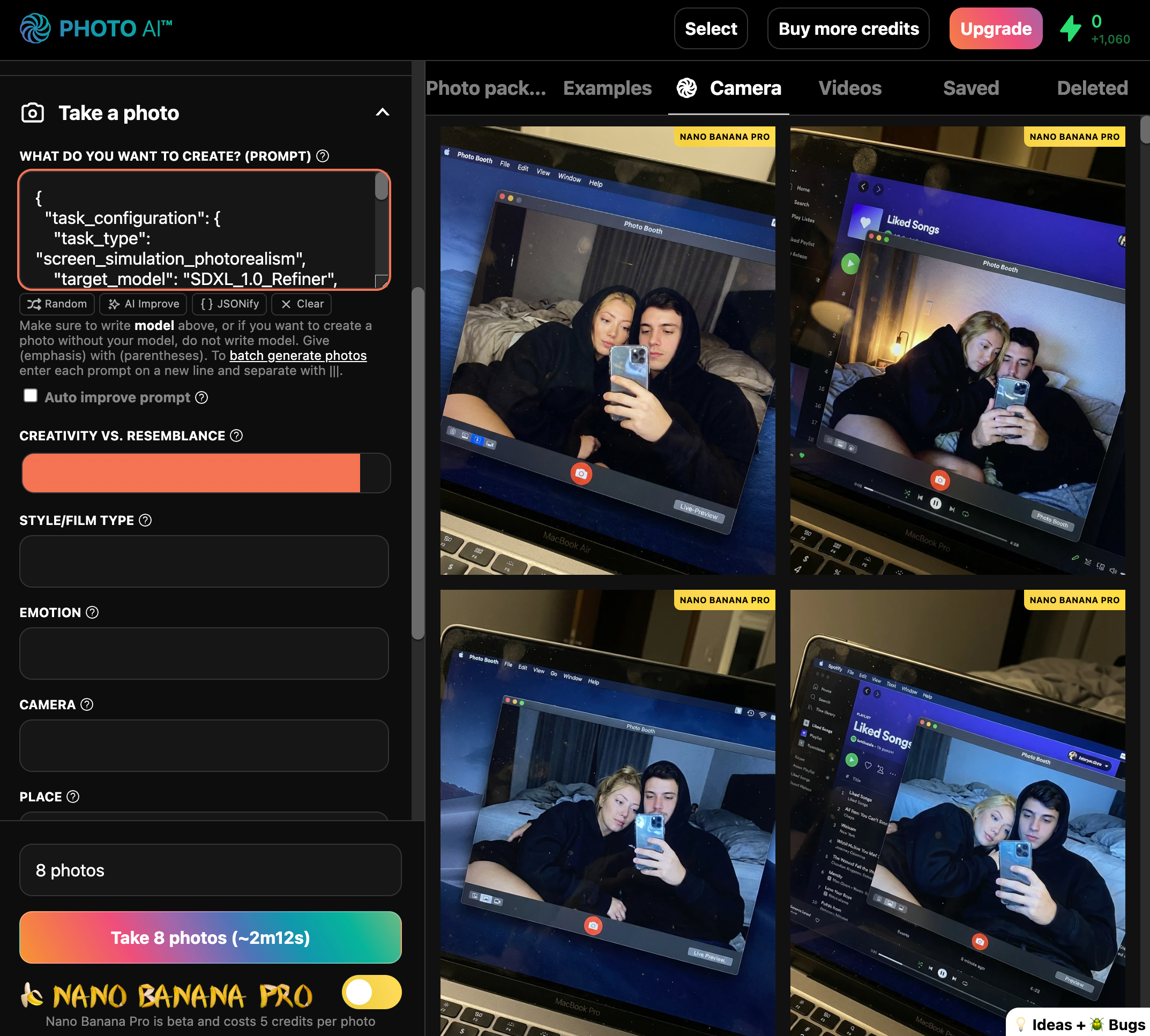
{
  "task_configuration": {
    "task_type": "screen_simulation_photorealism",
    "target_model": "SDXL_1.0_Refiner",
    "aspect_ratio": "3:4",
    "resolution": {
      "width": 1152,
      "height": 1536
    }
  },
  "visual_hierarchy": {
    "layer_1_physical_macro": {
      "camera_angle": "Downward-angled, high-angle",
      "framing": "MacBook screen filling 95% of frame",
      "surface_imperfections": [
        "subtle pixel-grid texture (moire)",
        "tiny dust particles on glass",
        "faint ambient light reflection on glossy screen",
        "fingerprint smudges"
      ],
      "foreground_anchor": "Thin strip of physical keyboard visible at lower edge"
    },
    "layer_2_digital_interface": {
      "theme": "Dark Mode (macOS)",
      "window_layout": {
        "left_panel": "Spotify 'Liked Songs' playlist (dimmed)",
        "right_panel": "Photo Booth live-preview window (dominant focus)"
      }
    },
    "layer_3_nested_subject_content": {
      "context": "Inside the Photo Booth window",
      "environment": "Dim bedroom, off-plain background, rumpled bedding",
      "lighting_simulation": "Cool screen glow mixed with warm skin tones, deep nocturnal shadows",
      "subjects": {
        "shared_attributes": [
          "Oversized black hoodies",
          "Hoods pushed back (faces fully visible)",
          "Reclining pose",
          "Looking at screen"
        ],
        "subject_a_guy": {
          "identity_target": "reference_image_male.jpg",
          "action": "Holding phone in right hand with clear reflective case",
          "position": "Right/Center"
        },
        "subject_b_girl": {
          "identity_target": "reference_image_female.jpg",
          "action": "Resting closely beside Subject A",
          "position": "Left/Center"
        }
      }
    }
  },
  "prompt_assembly": {
    "positive_prompt": "Hyper-realistic downward shot of a MacBook screen. The screen surface has visible dust, pixel grid, and reflection. The screen displays a Photo Booth window showing a couple in a dark room. [Subject Descriptions]. They are wearing black hoodies. The lighting is low-key, candid, nocturnal, blue-ish screen glow. High fidelity, raw photo, unedited.",
    "negative_prompt": "vector art, screenshot, flat digital image, clean glass, perfect screen, daylight, bright studio lights, cartoon, 3d render, painting, watermark"
  },
  "identity_preservation_settings": {
    "strictness_level": "CRITICAL",
    "methodology": {
      "face_restoration": false,
      "note": "Disable generic face restorers (CodeFormer) to avoid 'plastic' look. Use IP-Adapter.",
      "control_net_stack": [
        {
          "unit": "ControlNet_Tile",
          "weight": 0.4,
          "purpose": "To maintain the text/interface sharpness"
        },
        {
          "unit": "IP-Adapter_FaceID_Plus",
          "weight": 0.95,
          "region_mask": "Photo Booth Window Area Only",
          "purpose": "To force exact facial identity match for both subjects"
        }
      ]
    }
  },
  "rendering_parameters": {
    "sampler": "DPM++ 3M SDE Exponential",
    "steps": 40,
    "cfg_scale": 5.5,
    "denoising_strength": 0.35
  }
}Still need help? Share an idea