Combine Photos with AI — Merge People Into One Photo
combine-photos-ai
Written By @levelsio
Last updated 7 months ago
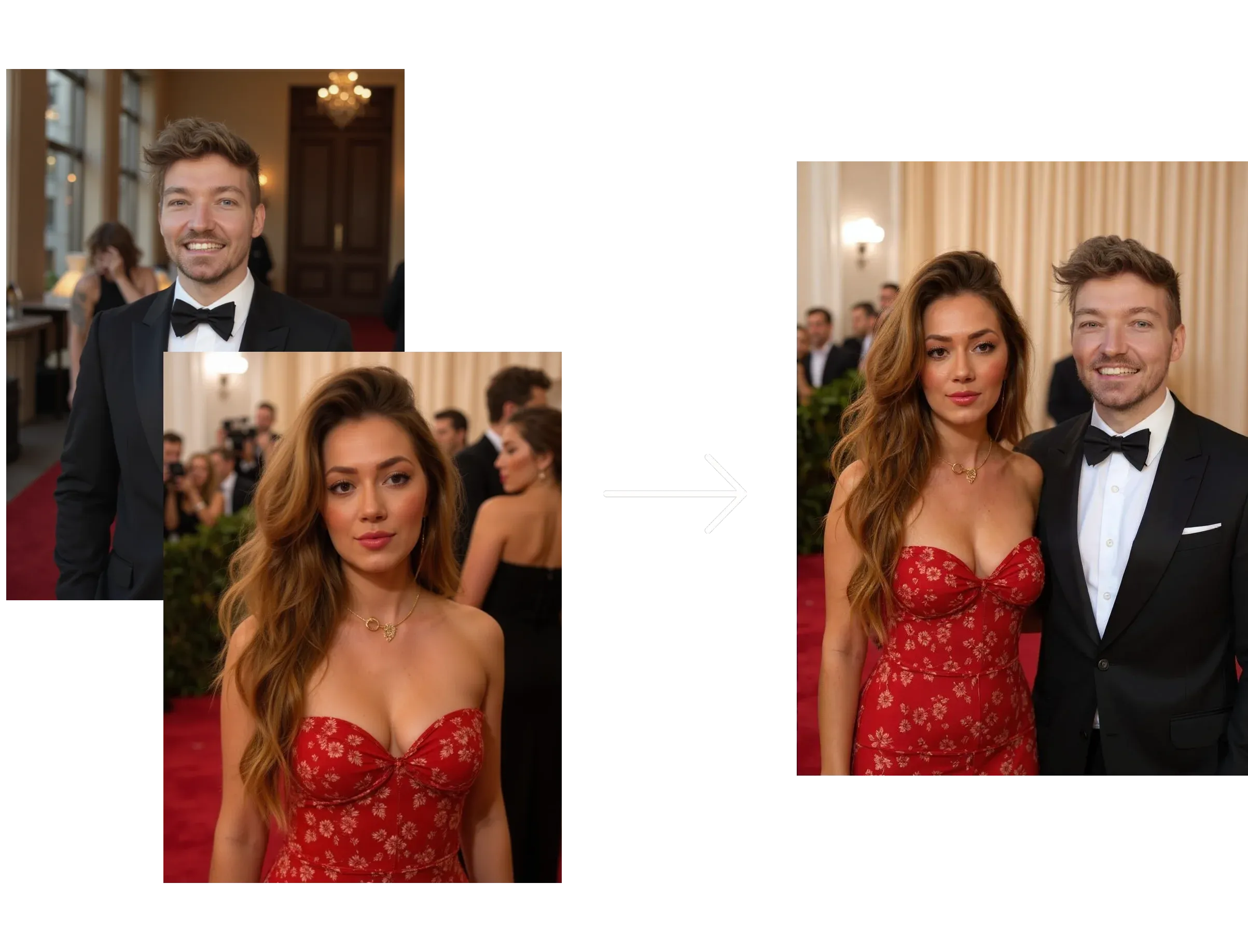
Want to merge two photos into a single AI-generated image? Photo AI makes it effortless — no editing or Photoshop skills needed:
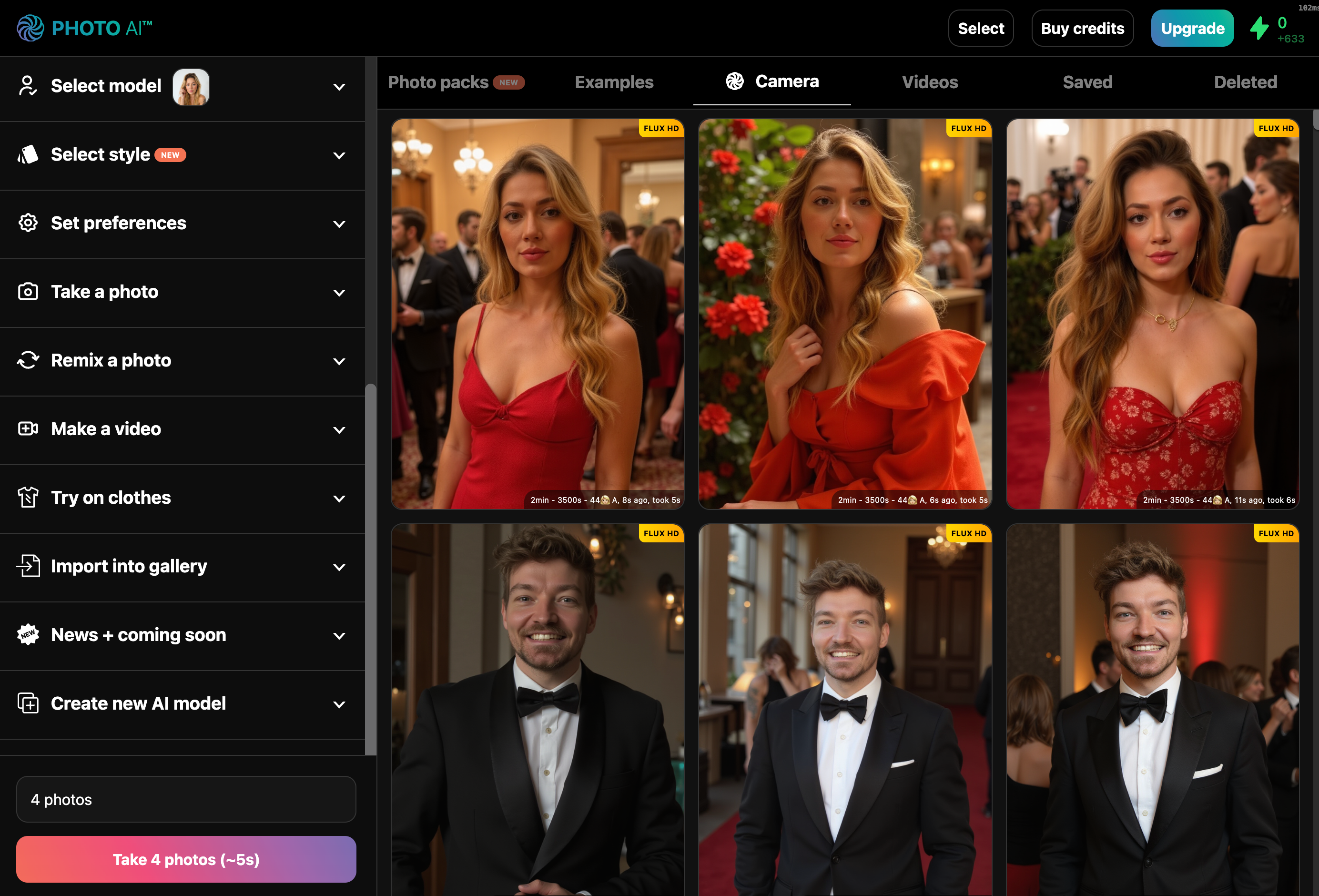
1. Press [ Select ] in the top right of your Photo AI gallery
2. Select two photos you want to combine
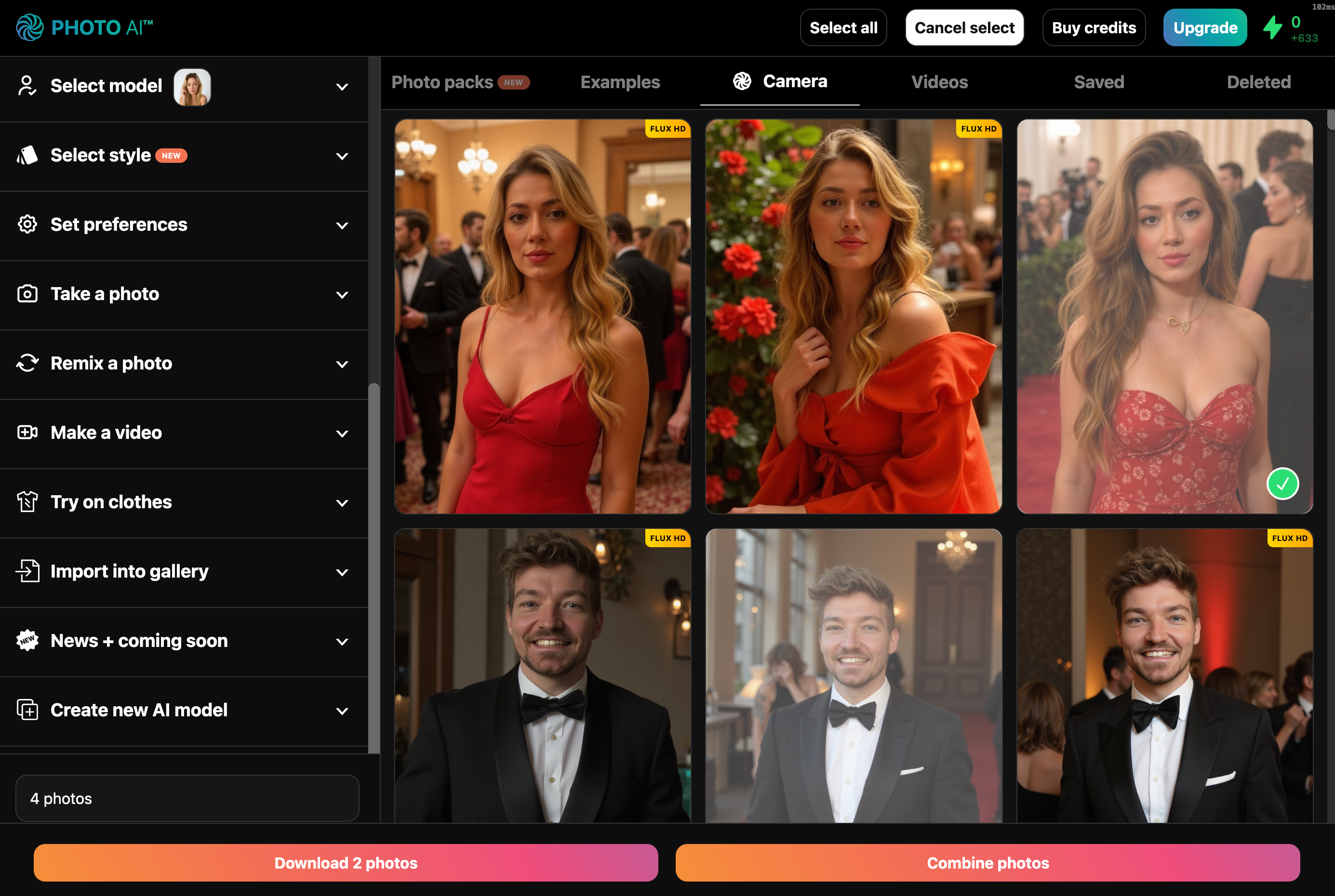
3. Press [ Combine photos ] at the bottom of the screen.
That’s it! In about 10–20 seconds, your photos will be fused into a single AI-generated image that blends elements of both — keeping the identity of the people and style intact. And there it is:
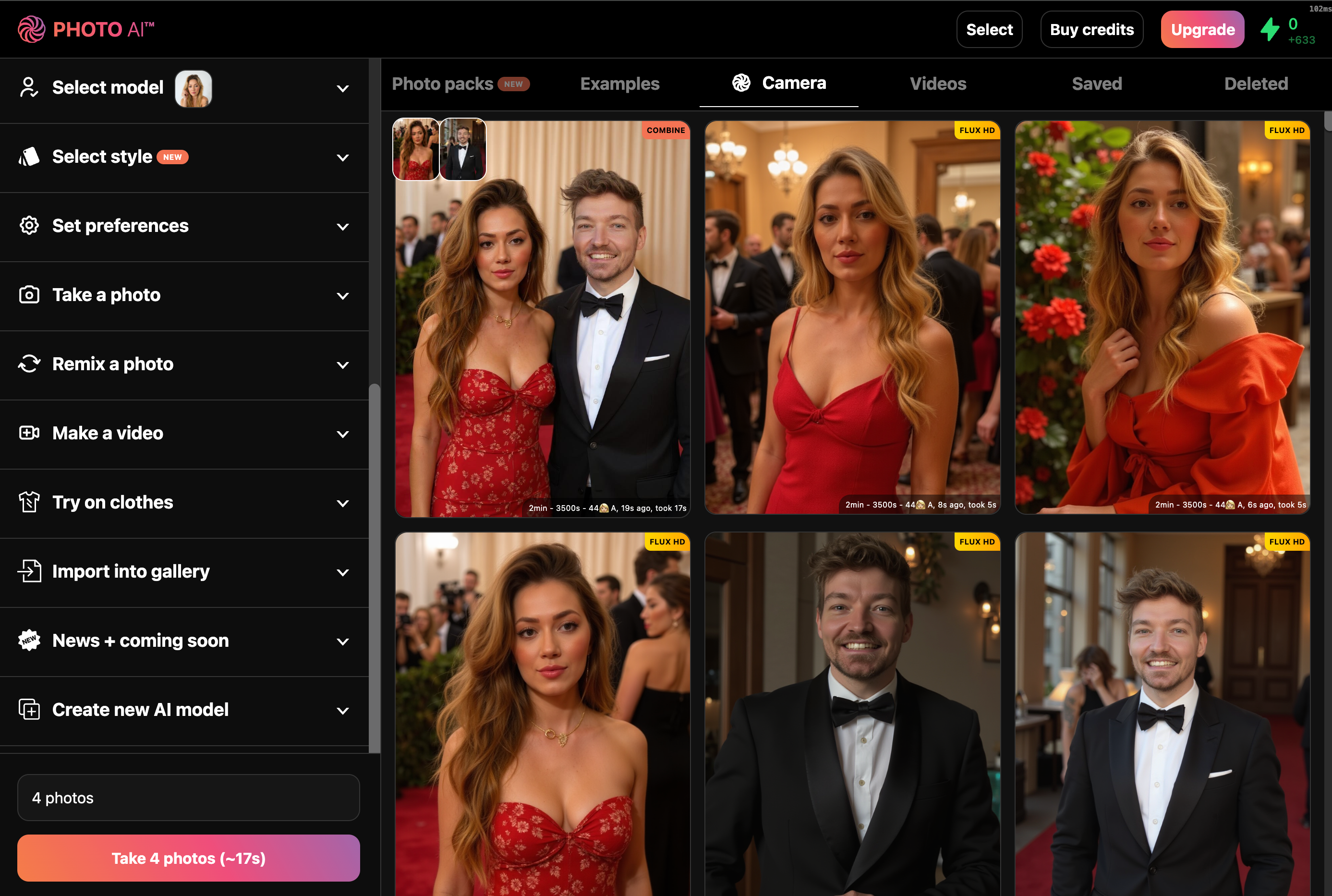
If you press [ Make video ] after you can even turn your combined photo into a real-life video:
What is it good for?
This feature is perfect for:
• Creating group shots from separate images
• Generating “what if” scenes
• Merging styles or outfits
Give it a try on Photo AI and create something new from what you already have!
Still need help? Share an idea