How to create AI Thumbnails for YouTube with Photo AI
ai-thumbnail-tool
Written By @levelsio
Last updated About 1 year ago
Want MrBeast-style thumbnails without hiring a designer? With Photo AI, you can generate custom YouTube thumbnails in minutes featuring yourself anywhere using AI.
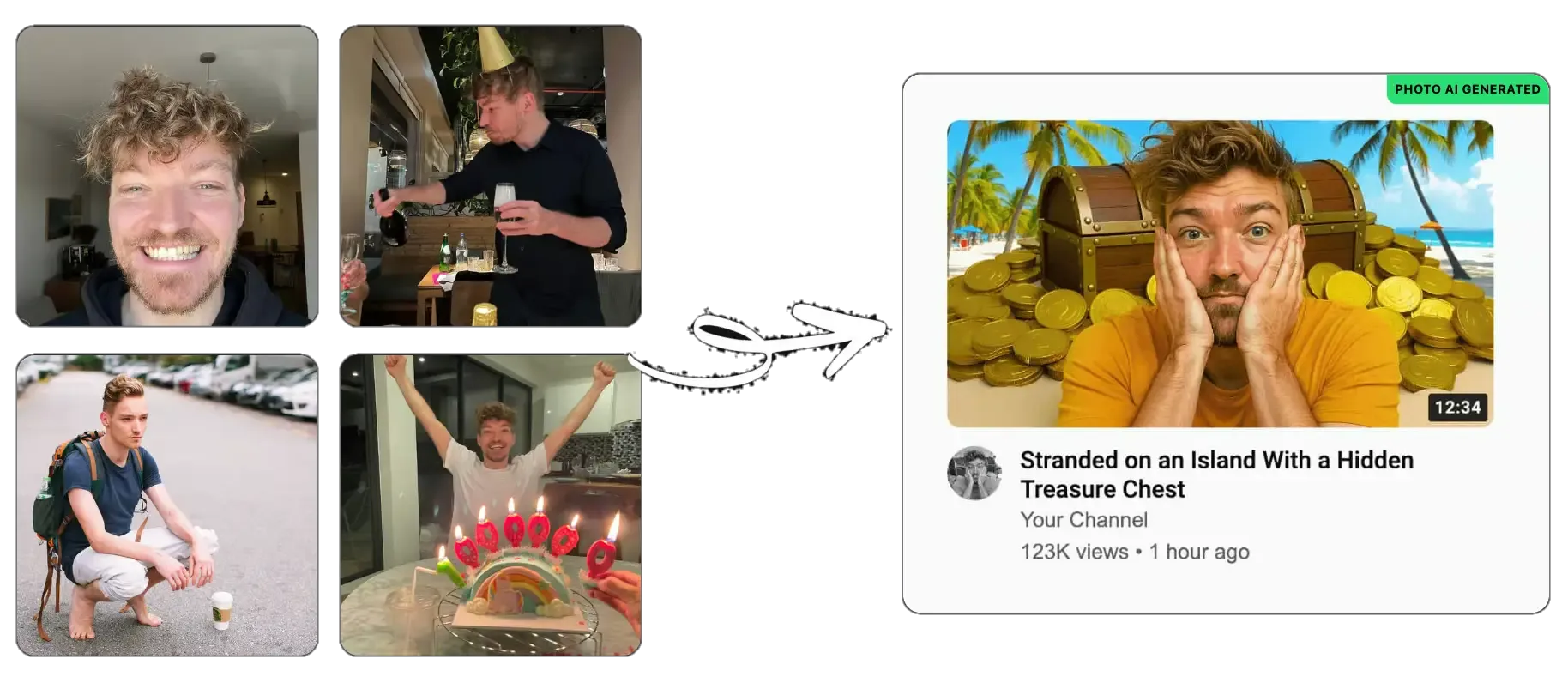
🧠 Step 1: Create or Select your model
Start by select an existing one you’ve already made:
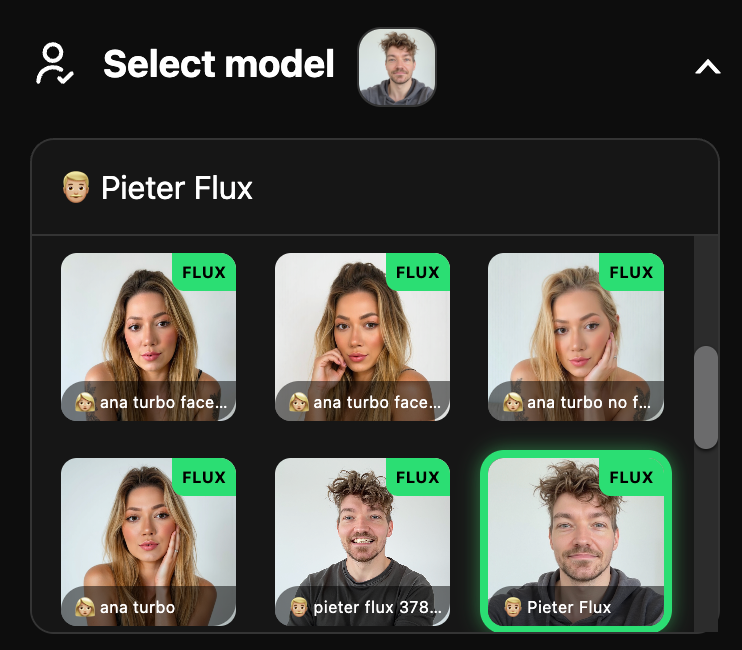
Or create a new model first:
Go to [ Create new AI model ] in the sidebar. Upload around 20 photos of your model, this could be yourself or someone you’ve hired.
In about a minute, Photo AI will train a photorealistic, personalized AI model that looks just like them.
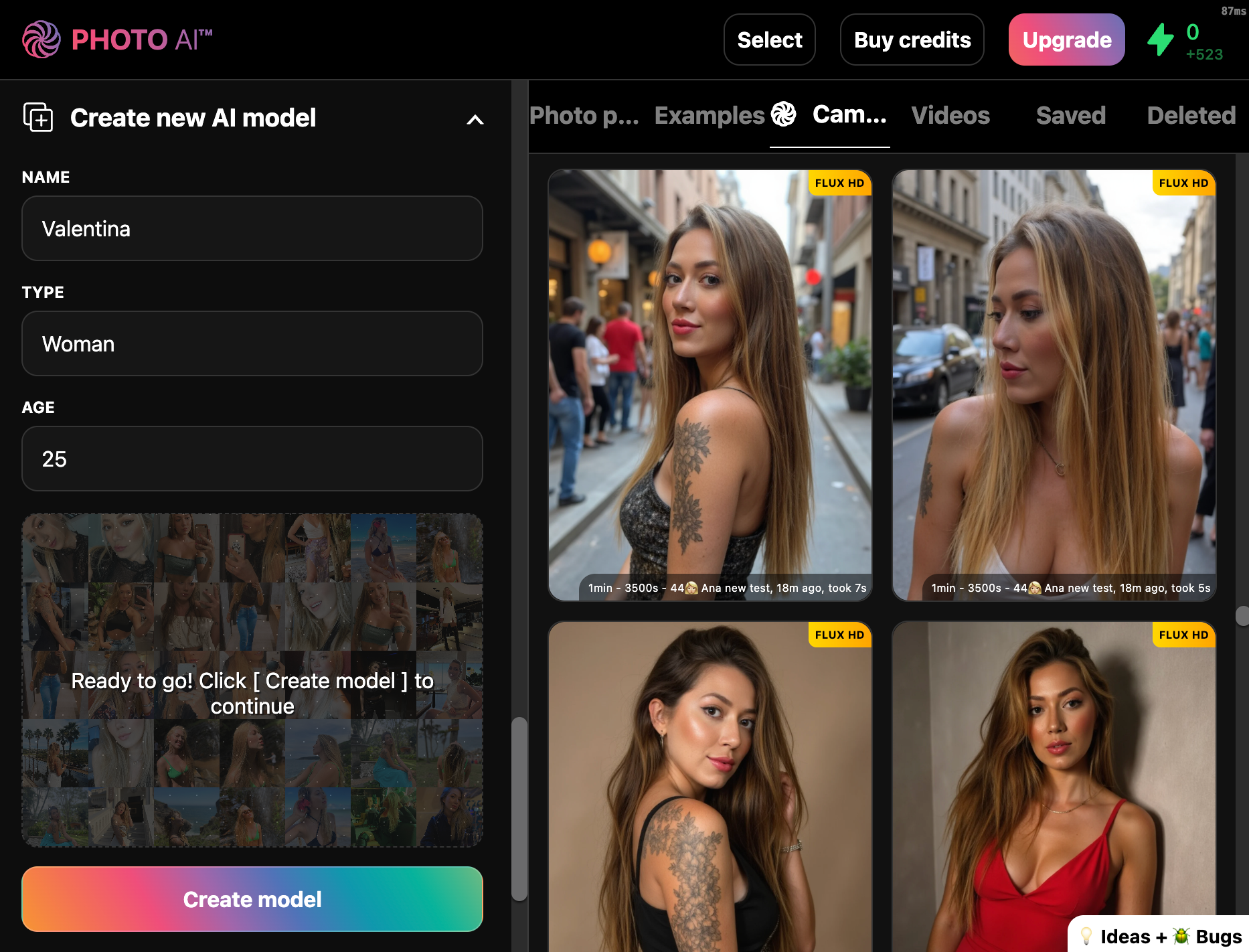
You can reuse this model for photos in the future.
🗂 Step 2: Open the “Photo Packs” Tab
Scroll down and click on the AI Thumbnail Tool photo pack. This is pre-optimized for bold facial expressions and high-conversion poses perfect for YouTube.
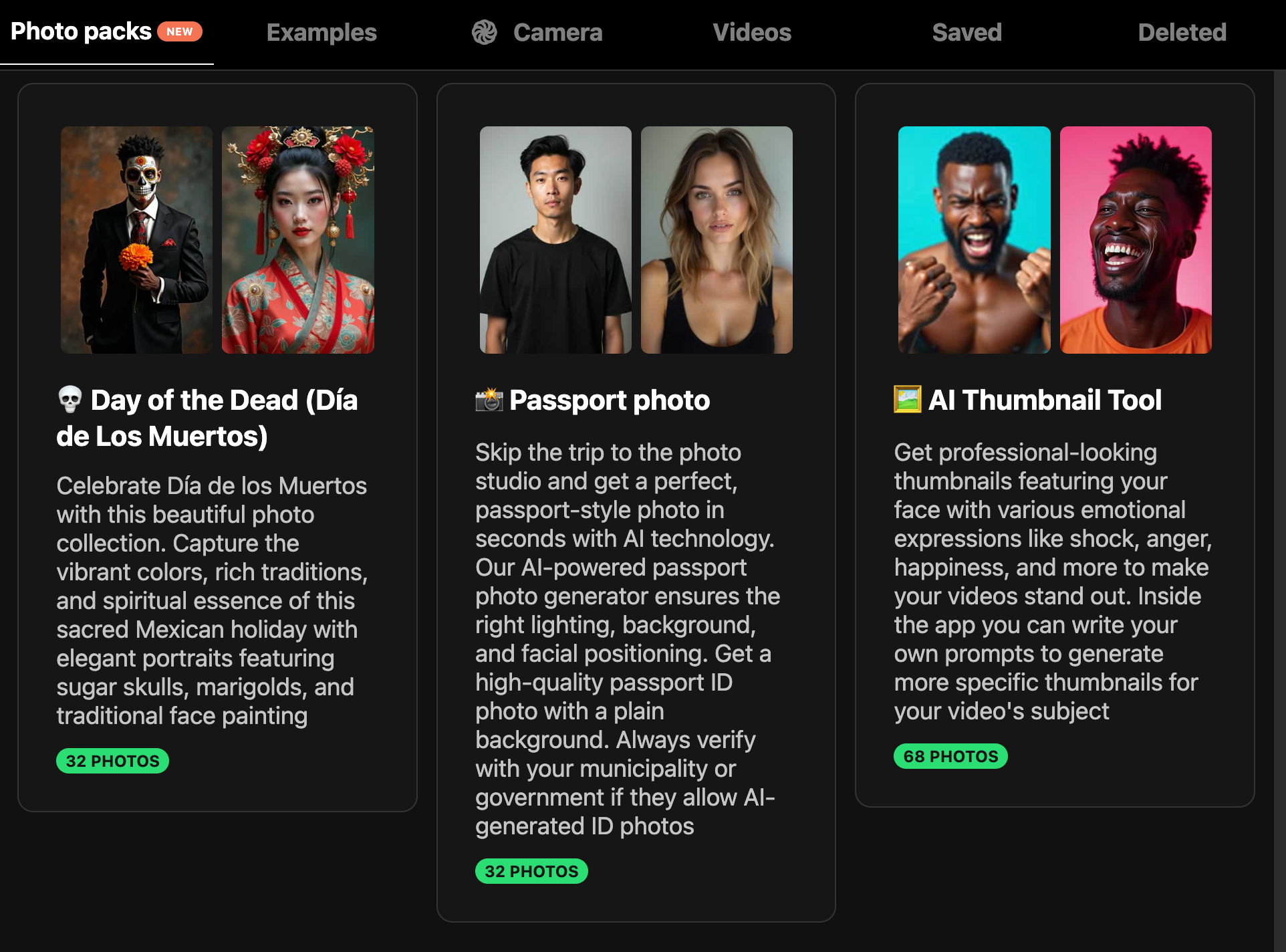
Tap the photo pack and confirm:
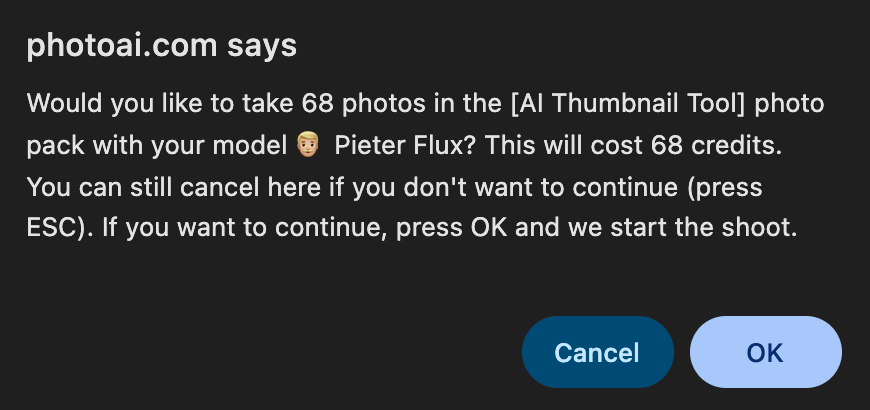
It will now start running the photo pack and generating AI thumbnails. Once it’s done it’ll look like this:
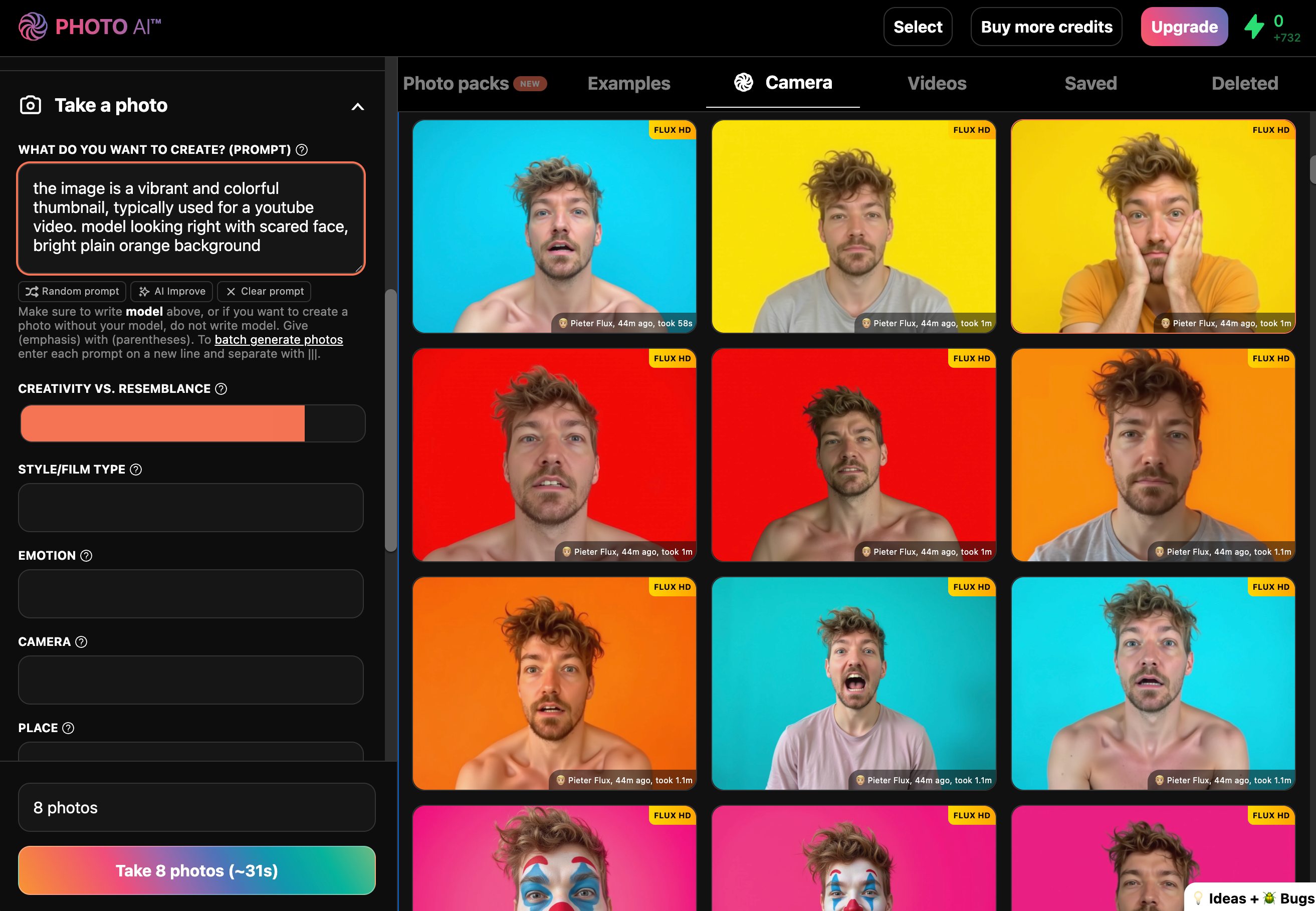
On purpose most images have bright colorful backgrounds that are easy to remove. Just this color as a background doesn’t make the thumbnail very interesting though.
✏️ Step 3: Edit Background with [ Magic Edit ]
Pick a photo you like, maybe upscale it:
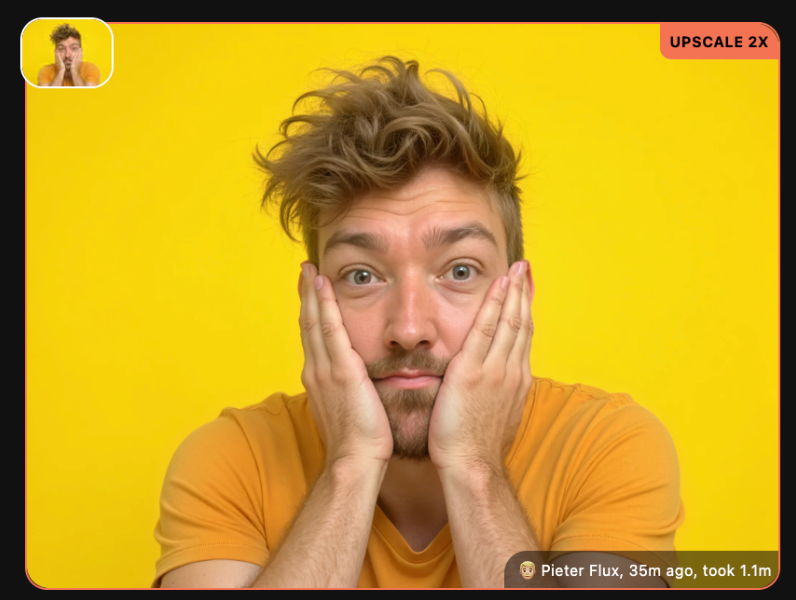
Then hover over it, and tap [ Magic Edit ]:
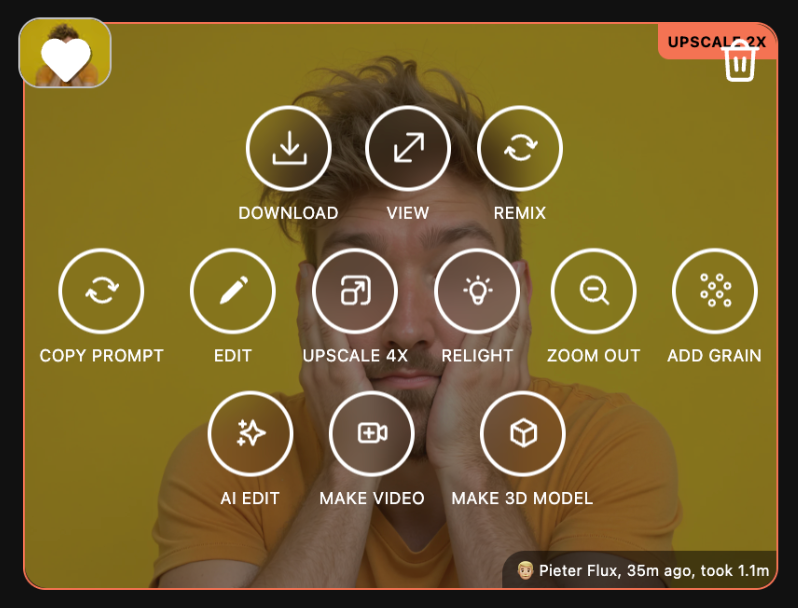
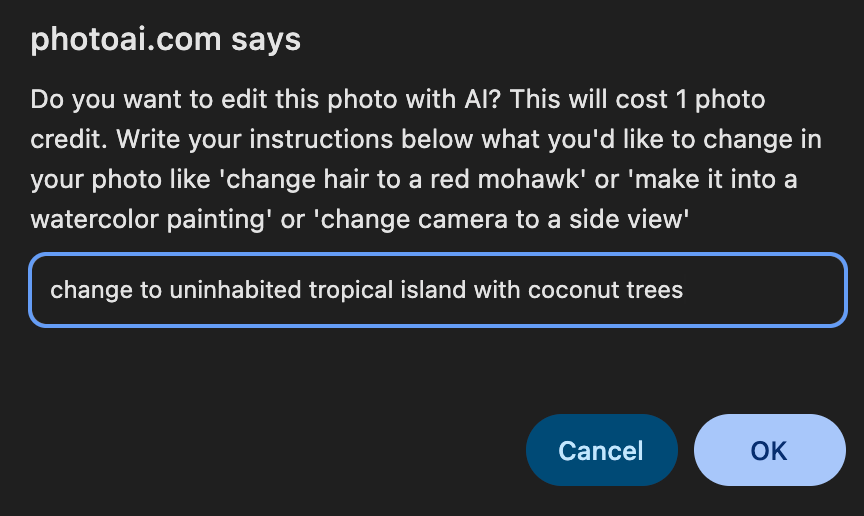
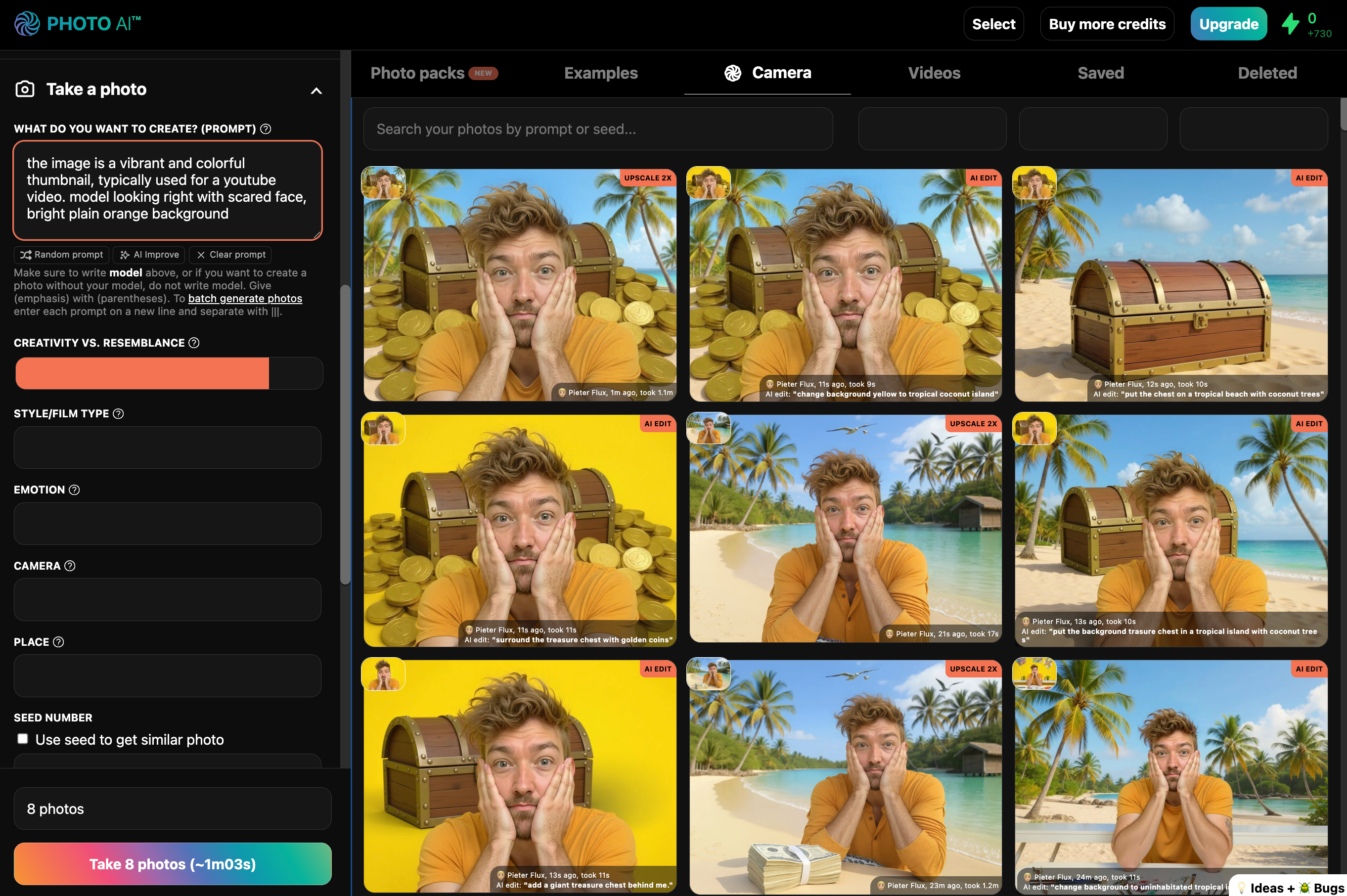
Now type what you want to see for your thumbnail:
Examples:
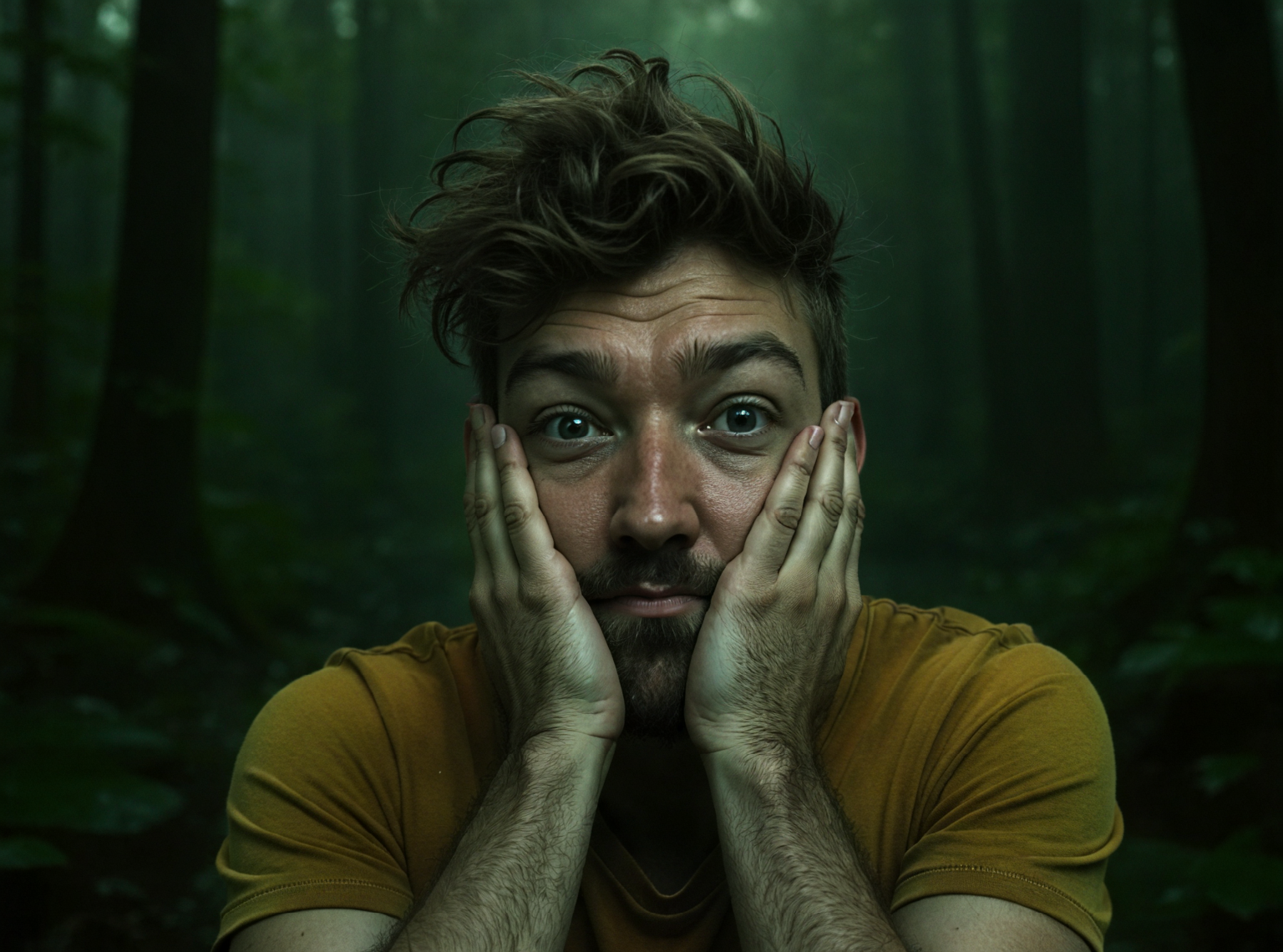
“change background to a green swamp in a horror movie”
or
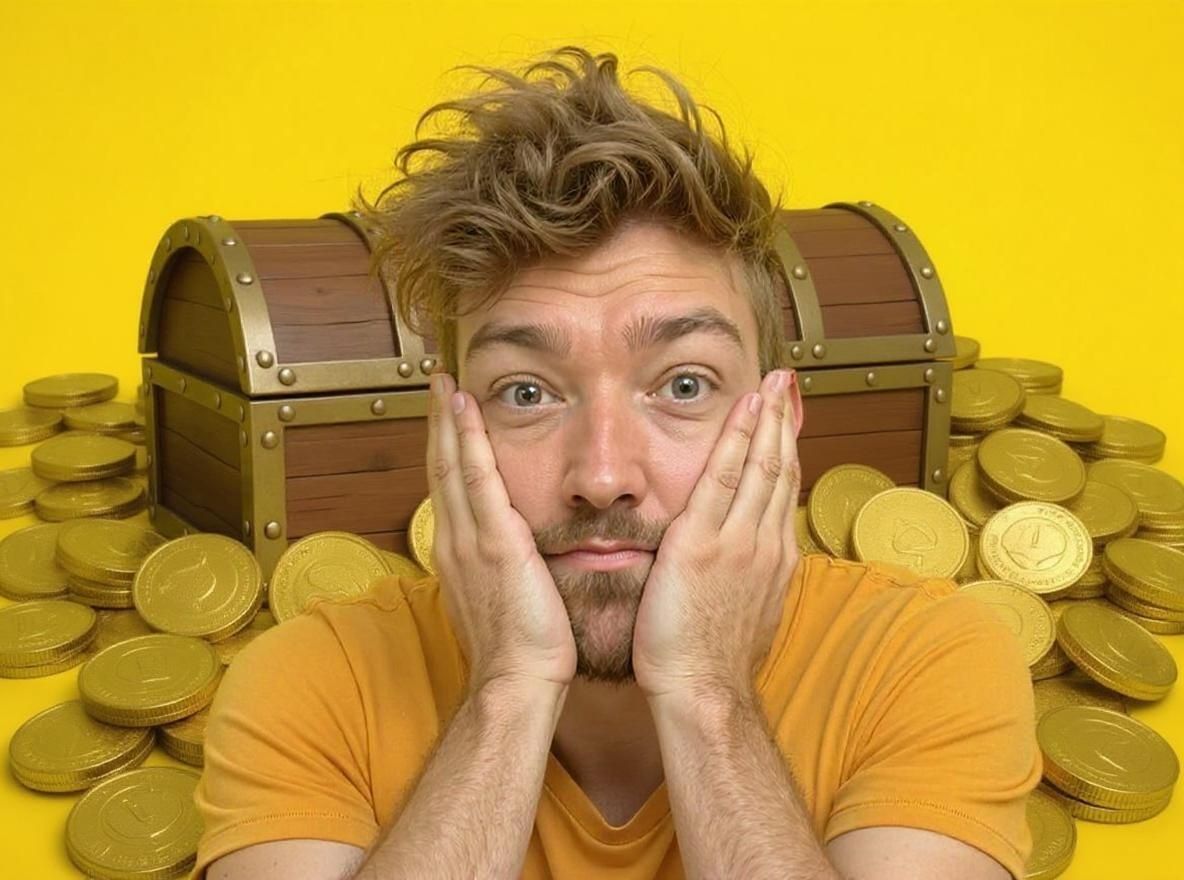
“add a giant treasure chest with golden coins behind me”
or
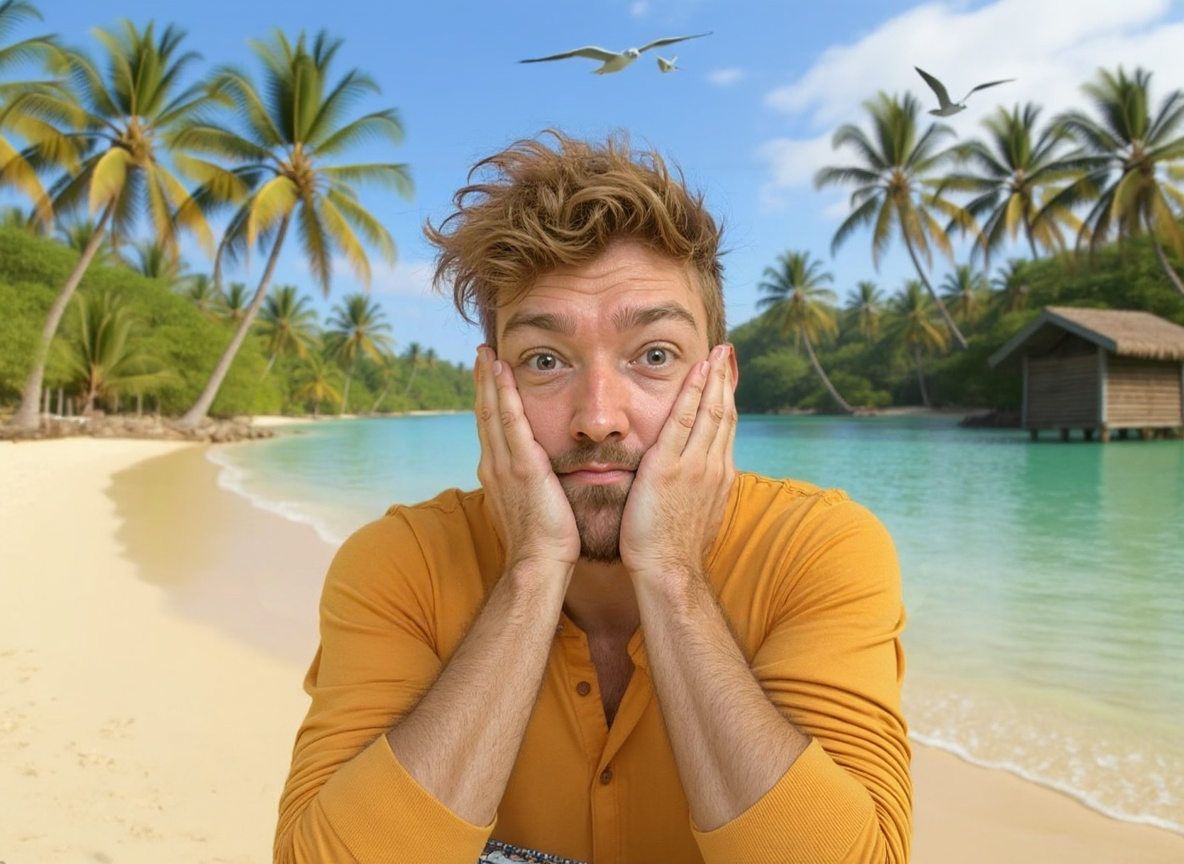
“change to uninhabited tropical island with coconut trees”
✅ Step 4: Done!
Your thumbnail is ready to go:
“change background to a green swamp in a horror movie”
“add a giant treasure chest with golden coins behind me”
“change to uninhabited tropical island with coconut trees” (this one had one Zoom Out before)
Optional: hit [ Upscale ] to boost resolution and get ultra-sharp detail, and [ Zoom out ] to show more of the full body of the model.
It usually takes a few edits and tweaks to get exactly what you want:
And here’s how it looks on YouTube:

No Photoshop, no designers — just viral thumbnails, instantly.
Try it now on Photo AI.
Still need help? Share an idea