The location field does not populate on Chrome or Arc. It works fine in Safari, however.
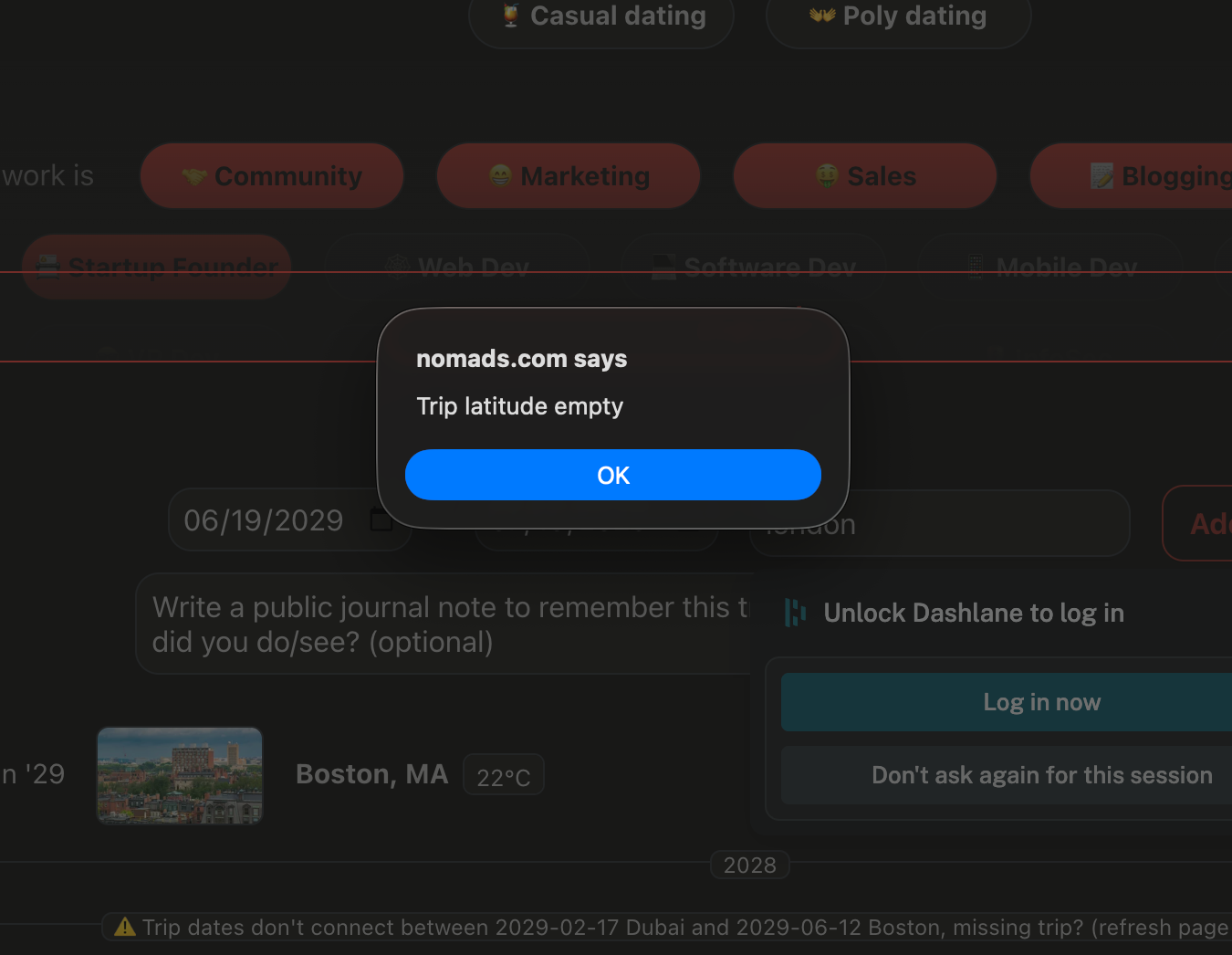
When I try and enter a travel date and put in, for example, ‘London’, it does not populate to ‘London, England’ in Chrome or Arc. This has been a long-term problem. I've used this across multiple laptops and can only get it to populate properly in Safari. See attached images. You can see the error code that pops up when I try and enter London and hit Add
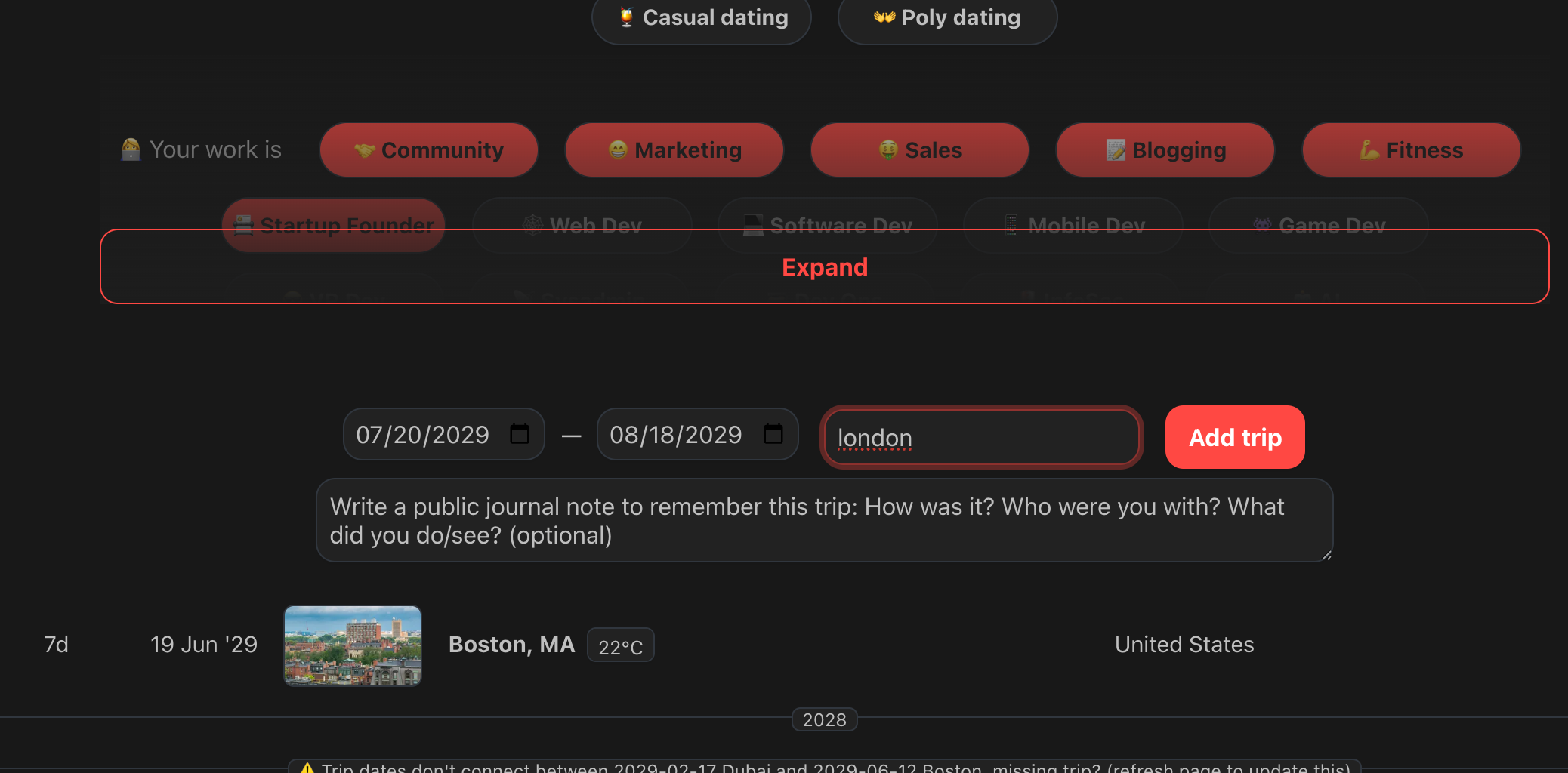
Here is the error code.
Log in to comment and vote
Comments2
Purple Exoplanet
May 1
I just tried adding London and it worked.
Then I tried adding Sleaford. This usually works when I'm using Safari, but it doesn't work in Arc for some reason.
Please find attached the screenshot of the Java console.
@levelsio
May 1
It should show this, is it possible to open the Developer → Javascript Console and screenshot what you see? Also Network tab is interesting because it does a request to Mapbox to get the Autocomplete fields