Remix a photo
Title: Remix doesn’t bind source image; Hyper Realism hallucinates despite Featherlight
Steps: Desktop → Select model Bot → Remix a photo → Upload image → Cannot open source large; single click reopens file picker; no Take photo inside Remix; only results grid appears
What you expected: Source photo loads large; Remix respects background/outfit
What happened: Outputs ignore source; backgrounds/outfits change
Model: Hyper Realism (works with Nano Banana)
Browser: Chrome (also tested Comet), desktop, zoom 100%
Image details: 1280x1600, single subject
Screenshots/screen recording if possible
Please inform how to proceed and get professional results, that we can use in our Shopify shop.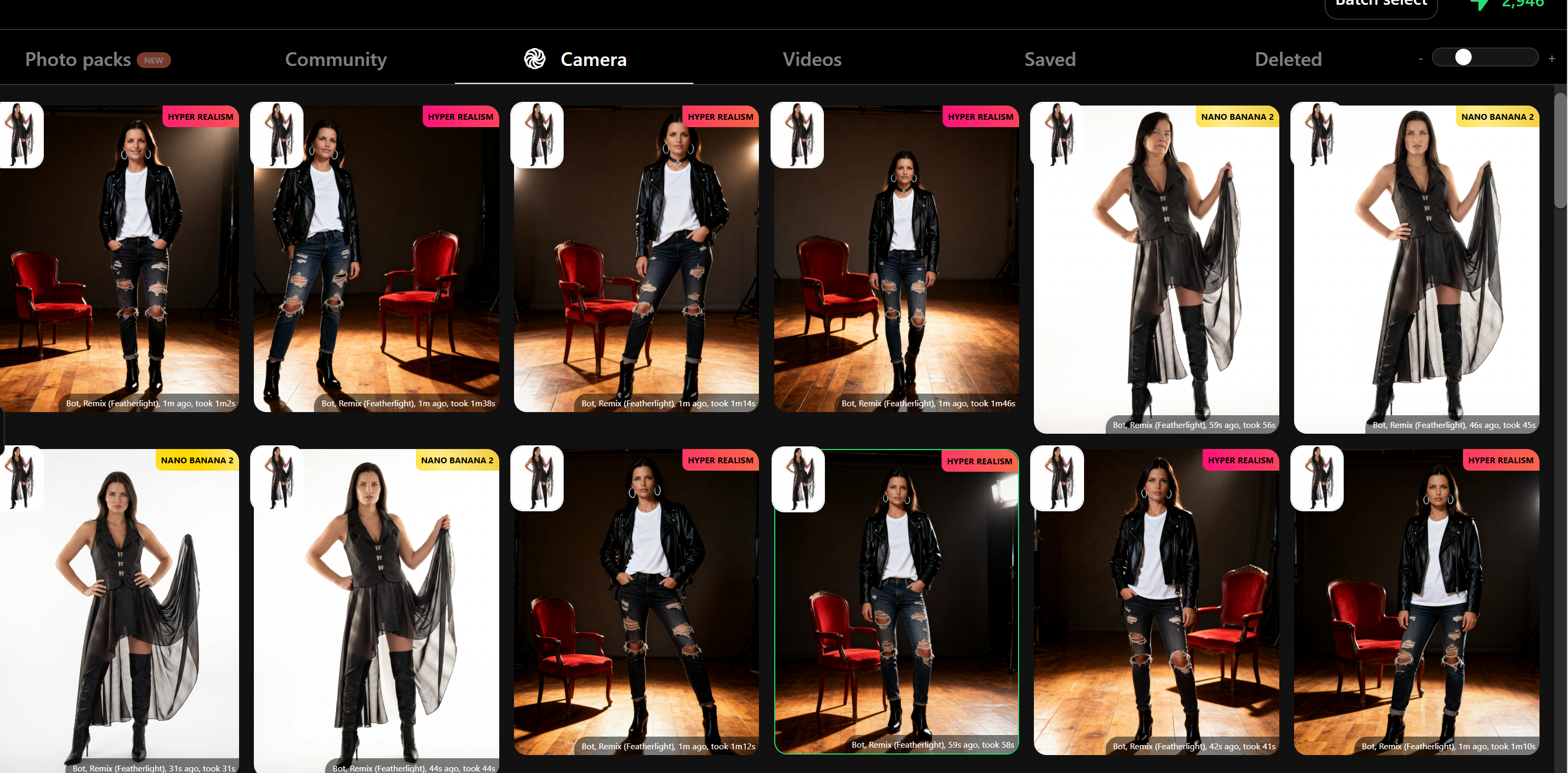
Log in to comment and vote
Comments2
Harlequin Zipper
Mar 25
Hi, thanks for the advice.
Unfortunately, I do not get proper and consistent results.
My needs:
1. We have photos, taken with persons of our team, wearing our unique and special outfits (no typical shapes).
2. On these photos I need to keep the outfits (clothes and accessories) 100% untouched, so that they show the reals products.
3. I want to change the models to our custom models.
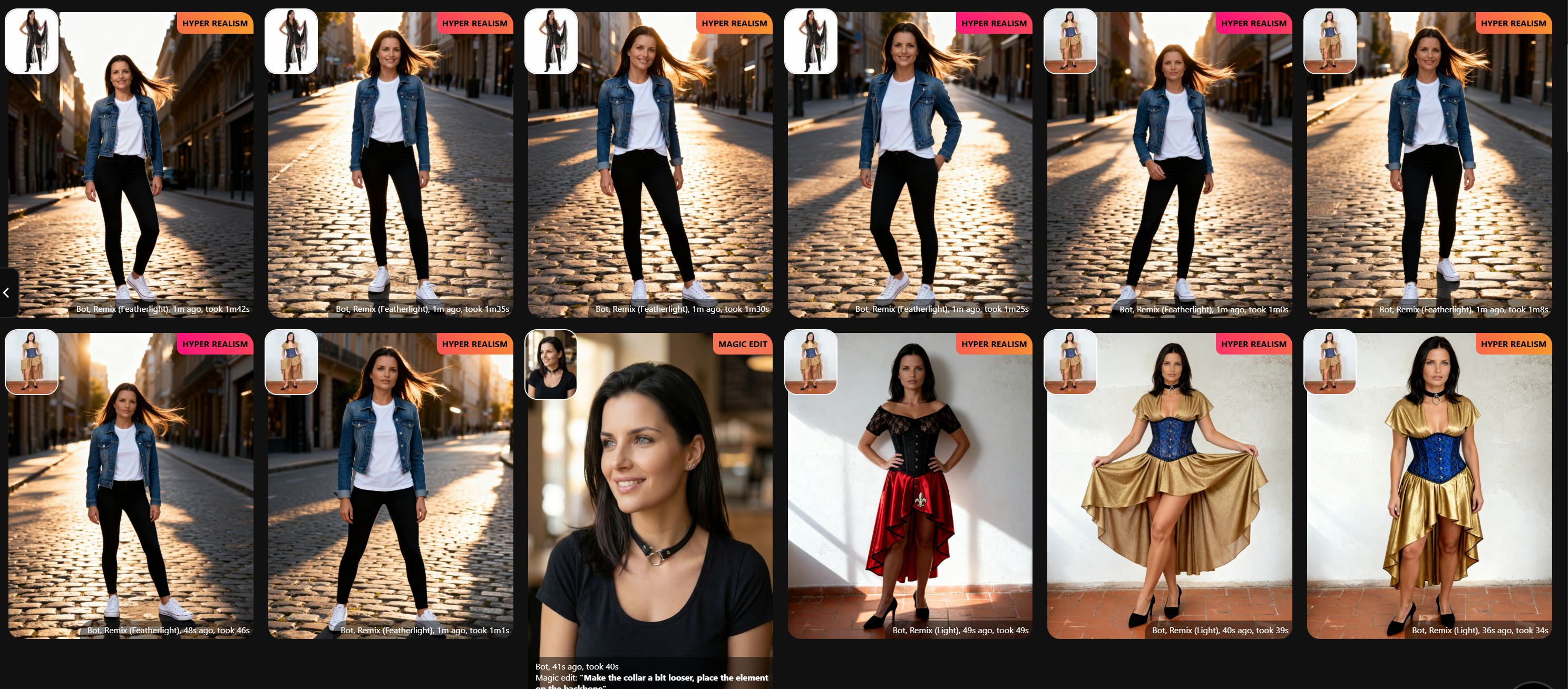
My tests yesterday and today show a inconsistent output, no sticking to the photo that shall be used as a base for the remix, but lots of hallucination. See screenshot attached.
Could you please help me with a best practice and an example of a prompt how to get that done?
I really like the quality of the output and am ready to go for the year plan, but that request must be solved as this is our main need.
Thanks in advance,
regards
Stefan
@levelsio
Mar 23
Your remix strength is set to Light or Featherlight meaning it will only use the remix image a bit. Try Strong for better results.
For clothing try ons, use that feature not remix. It works better with clothes!